

Image Upscaler by Stockphotos.com Enhances Images Up to 8x with AI


Stockphotos.com offers an AI-powered Image Upscaler that enables users to enhance or enlarge their images with just one click. Whether you're a designer, visual artist, business owner, or someone needing high-quality images for personal projects, this tool simplifies the process. Below, you'll find details about how it works, its features, pricing, and more.
Topaz Gigapixel: Professional AI Image Upscaling
Topaz Gigapixel is an AI-powered image upscaler designed to enlarge photos while preserving and restoring detail. Unlike simple resizing tools, it uses deep learning models to improve sharpness, textures, edges, and fine image details during the upscaling process.
Desktop App and Workflow Integration
Topaz Gigapixel is available as a desktop application for Windows and macOS. It can also be used as a standalone app or as a plugin with Adobe Photoshop and Lightroom Classic, making it especially useful for photographers, designers, and professional image editors.

AI Upscaling Features
Topaz Gigapixel offers several AI enhancement models for different image types and use cases. Its key features include up to 6x lossless zoom, face recovery for low-resolution portraits, sharpening, denoising, detail preservation, and batch-friendly professional workflows.
Local and Cloud Rendering
Users can process images locally on their computer or use cloud rendering. Topaz states that Gigapixel plans include unlimited local and cloud rendering, which makes it useful for both individual image enhancement and larger creative workflows.
Online Upscaling Option
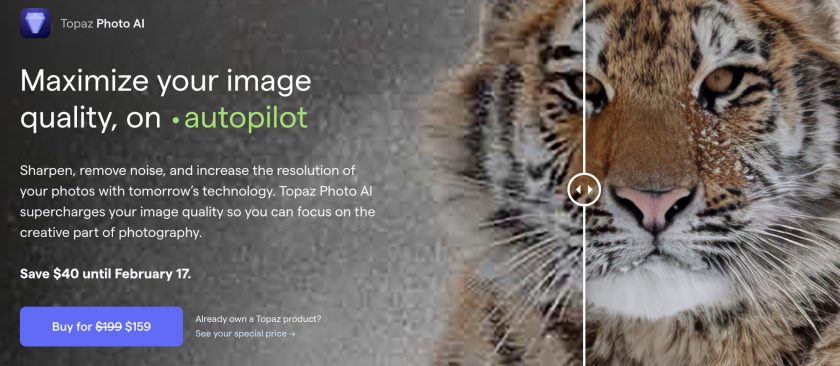
In addition to the desktop software, Topaz also offers an online AI image upscaler. This browser-based tool can upscale images by up to 8x without requiring a software download.
Pricing
Topaz Gigapixel is a paid professional tool. Current pricing shown by Topaz starts at $19/month when billed monthly for 12 months, with other billing options available depending on the selected plan.
Best For
Topaz Gigapixel is best suited for photographers, designers, artists, e-commerce teams, print projects, and anyone who needs high-quality enlargement rather than basic image resizing. It is particularly useful for restoring low-resolution photos, preparing images for print, improving cropped images, and enhancing older or blurry visuals.


